My 1 TB Mac needed 8 TB to migrate, apparently
Migration Assistant can't count sparse files and why using AI assistants is making me dumb.
If you’re trying to transfer data to a new Mac using Migration Assistant, make sure you don’t have any sparse files left around by virtualization tools like OrbStack, because Migration Assistant will treat an 8 terabyte virtual disk image as actual disk usage and tell you there’s not enough space for the transfer.
I recently got a fancy new M5 Max MacBook Pro for work, an upgrade from my trusty and much-stickered M1 Pro. We’ve seen some good times together.
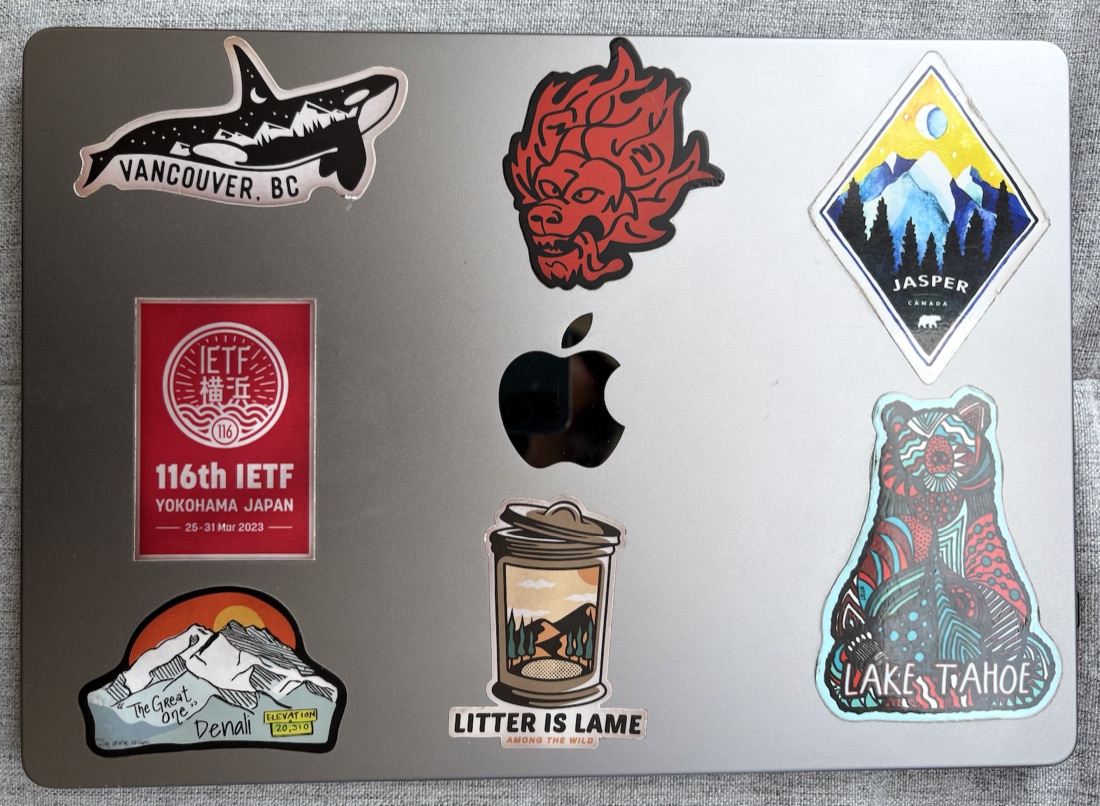
Goodnight, sweet prince.
On the other hand, I was excited to get my hands on the latest in Apple silicon, to offer up more memory in tribute to the AI agents for whom I am but a humble vessel. Unfortunately, we can’t have nice things, so what followed was painful debugging and some embarrassing self-discovery about how far I have fallen cognitively.
My new MacBook arrived promptly enough, threading its way through treacherous international logistical shipping lines hungry for every unattached sliver of RAM not already in the grip of frontier labs. The unboxing was sleek and polished, as is Apple’s way; I love peeling away the little green-arrow pull tab with its peeling-direction helpfully marked.
The time came to migrate all my work data to the new MacBook. Our lovely IT admins assured me that this would be an easy one-time painless process that Apple (worth approximately $5,000,000,000,000, for the record) in its wisdom and competence has obviously streamlined for feckless users such as myself. “Don’t worry,” they said, amused at my consternation, “it will be easy, one-time and painless. Just use Migration Assistant.” So I did. I used Migration Assistant. Several times, actually. I’m an expert now in Migration Assistant. It was not painless.
The first thing that went wrong was that I had recently upgraded my older MacBook to the latest macOS 27. Migration Assistant didn’t like that. It made me upgrade the new MacBook to macOS 27 too to transfer between the two, contradicting the It’s not necessary for each Mac to be using the same version of macOS guidance on Apple’s ($5 trillion company, btw) own support page. “Why did you upgrade?” asked our IT admin. “I didn’t realize I couldn’t; it’s the latest OS, isn’t it?” said I, fecklessly. “You’re going to have to create a dummy account on the new MacBook, upgrade to macOS 27, clear all data, and then re-run Migration Assistant.” Sigh.
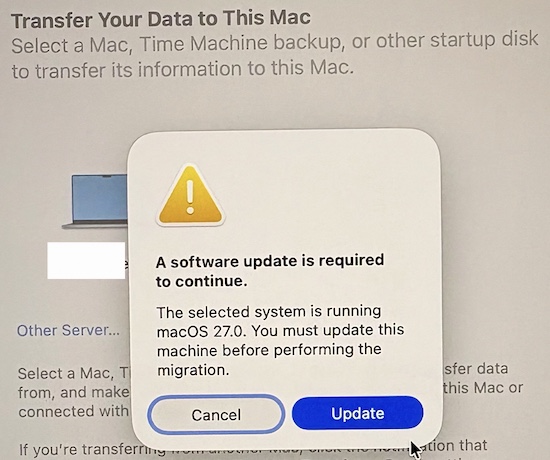
I apologize for being diligent with my software upgrades.
A half-hour and a new OS later, I was ready to try again. The migration process started, but it was really crawling along. Like, at 2000s speeds, in a way that made me nostalgic for the old Windows file-copy dialog where I would spend hours willing the little sheet of paper to pirouette faster from one folder to the next.
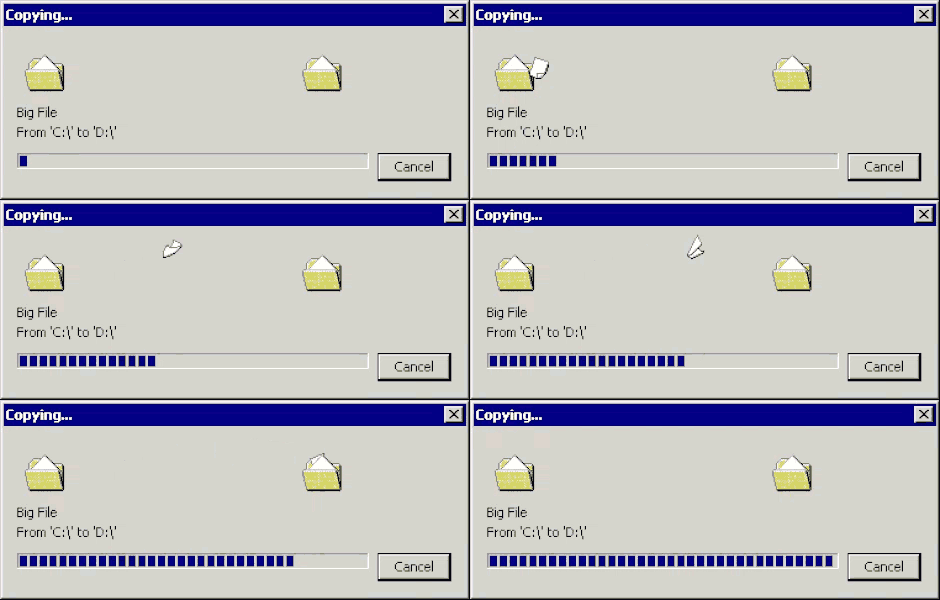
Old Windows “Copying…” dialog, from simpler times.
Still, I needed to get actual work done, and using Apple’s (richest consumer company to have ever existed icymi) Migration Assistant meant not having access to either work computer. At this point, I was too scared to ask our IT admin and waste even more of their precious time with my inane questions, so I asked the crowd-sourced wisdom of the Internet. The conversation (anthropomorphized for clarity) went roughly like this:
“Migration Assistant is too slow.”
“Did you get a Thunderbolt cable?”
“Is that the same as a USB-C cable?”
“Of course not. Don’t be stupid. USB-C is the connector. You need an actual Thunderbolt cable.”
“Sigh, okay, I guess I will buy one.”
$50 and a few hours later, I was ready to try again. This time, everything looked like it was going smoothly. Estimated time to completion was around 8 hours, so I had it run overnight. Come morning, I leapt out of bed, anticipating how I would read my morning Economist on my fancy new MacBook, sipping a cappuccino, and isn’t technology so wonderful.
“There is not enough free space to complete the migration.”
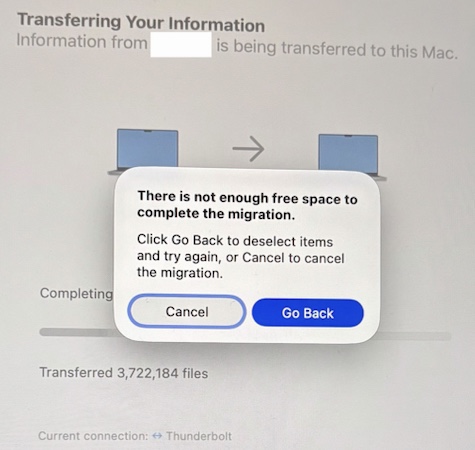
My brother-in-tech this is physically impossible.
WHAT. How did this make any arithmetic sense? The new MacBook has literally 4x the storage capacity of the older MacBook!(!!)
I turned to Claude in despair.
Claude helpfully found a bunch of (unanswered) complaints on Community forums from people whose Docker or OrbStack setups caused problems when transferring to a new MacBook, because of somethingsomething file size issues. That vaguely made sense to me, so I asked Claude to delete Docker and OrbStack from my old machine. It did so happily. Come next evening (because I do have a day job), I set the migration in motion again and went to bed with, if not anticipation, then cautious optimism.
Time to break out the big guns.
Sadly, it looked like I was going to have to debug this the old-fashioned way: thinking about it. Let’s see what’s really happening here.
On my old machine, I compared allocated and apparent size:
sudo du -sh ~
sudo du -shA ~
The second du command with its -A argument was to get the “apparent” (or logical) size. I suspected that Migration Assistant was getting confused by the two.
And there it was, clear as a San Francisco summer day:
282G    /Users/shivan
8.3T    /Users/shivan
~8 terabytes of apparent size on a 1 TB SSD meant some files were clearly lying about their size. Some more digging:
sudo du -hA -d 2 ~ | sort -h | tail -30
led me to:
du -hA "$HOME/Library/Group Containers/HUAQ24HBR6.dev.orbstack/data/data.img"
# 8.0T

du -h "$HOME/Library/Group Containers/HUAQ24HBR6.dev.orbstack/data/data.img"
# 6.5M
Wait, I thought Claude had deleted OrbStack! Turns out it hadn’t deleted the sparse file data.img buried away in ~/Library/Group Containers. OrbStack had created a huge virtual disk (8 TB in apparent size) using a sparse file to manage storage dynamically. I felt really dumb about this. OrbStack addresses the 8 TB file in its FAQ, and points to how the sparse file messes up Migration Assistant. Also, I’m a software engineer; I could have run the du commands myself, found the bloated file, and connected it to the FAQ article in five minutes. Instead I chose to Turn Off Brain and trust in Claude.
I deleted the errant OrbStack data file, double-checked the output of du, and, fingers and toes crossed, ran Migration Assistant a fifth time. This time, it completed within 3 hours, no problem, thank you very much and come again. I’m typing these words on my new MacBook!
I’m hardly the first tech worker to realize this, but there’s enormous temptation right now to blindly prompt instead of thinking things through. This gets worse when you have (or want) to work on several things simultaneously; attention is all you need, but it is limited whether we admit it or not. I could have used Claude the way I eventually did: skip digging through man pages for the exact right invocation, while still doing the debugging myself. That would have saved me a lot of time and brainbreak.
Note: I don’t personally agree with OrbStack’s decision to mess up users like this, but I see where they’re coming from; Migration Assistant clearly doesn’t handle sparse files correctly. Apple (five. trillion. dollars. company.) please fix.